
Real-time face blur for live streams
InnoLive is a real-time face blur application for live streaming. It detects unregistered faces in live camera video and blurs them before broadcast output. Registered guests stay visible. Send the processed video to YouTube or CHZZK. The current effect is blur, not pixelated mosaic.
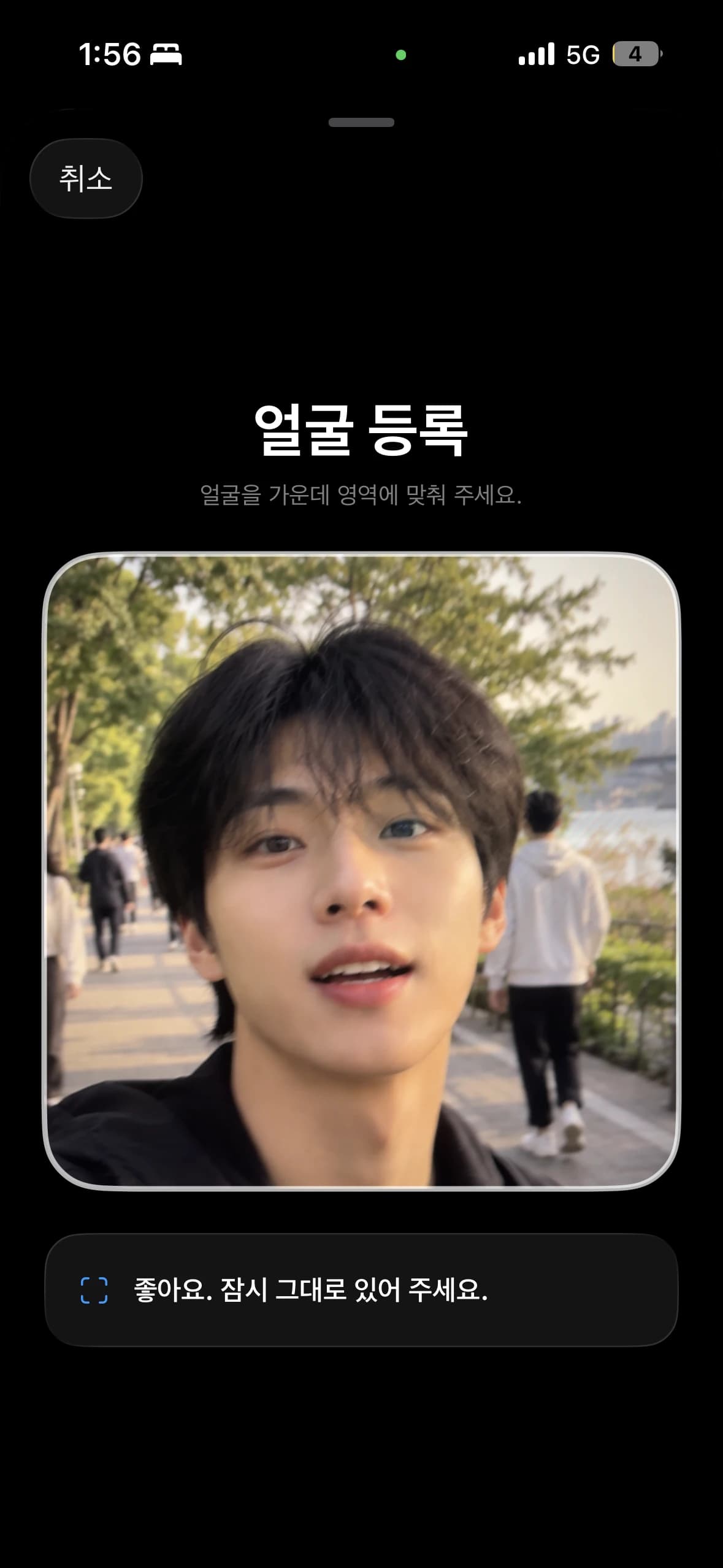
1. Register the faces you want to show
Register yourself and your guests in the streaming app. InnoLive compares camera faces with those registrations and blurs unregistered faces.
The blur area updates as detected faces move. Test a frame containing both yourself and other people to check the distinction.
2. Check face blur at your filming location
Enable face anonymization and inspect nearby, distant, moving and side-facing faces.
Dim lighting and obstructions can affect detection. If a face you want hidden remains visible, adjust the camera direction and distance, then check again.
3. Connect your account and save broadcast settings
Connect YouTube or CHZZK and save the broadcast title, visibility and other settings. Prepare the broadcast after saving.
The web demo previews camera face detection and blur. Use the streaming app to prepare actual platform broadcasts.
4. Follow your platform's start procedure
For YouTube, check the preparation screen before starting the live broadcast. CHZZK can start broadcasting when the streaming connection begins, so inspect framing and face processing before connecting.
Camera input → face detection and comparison with registered faces → blur on unregistered faces → processed video sent to the platform. See the platform guides for preparation steps.
Check information beyond faces
Face de-identification processes faces. Check name tags, addresses, vehicle plates, chat text and conversations separately. Adjust framing to keep information you do not want to share out of the shot.
Changing face processing settings cannot take back a scene already broadcast. Check the result again when lighting or your filming location changes.
Frequently asked questions
How do I apply real-time face blur to a live stream?
Register the faces you want to show in InnoLive and enable face anonymization. Check that unregistered faces are blurred, then prepare your YouTube or CHZZK stream. InnoLive processes faces before sending video to the platform.
Can I blur everyone except myself?
Register yourself to keep your face visible while blurring unregistered faces. You can register guests too. Check a scene with several faces before broadcasting.
Does InnoLive support pixelated mosaic?
InnoLive currently uses blur to soften facial details. Pixelated mosaic is not supported.
Can I try face blur for free?
The free web demo lets you check face detection and blur with your camera. See pricing for actual broadcast time, face registration limits and streaming conditions.
Can I start a broadcast from the web demo?
The web demo lets you check face detection and blur. Prepare YouTube and CHZZK broadcasts in the streaming app.
Can I upload a recording to blur faces?
InnoLive processes faces in live camera video. It does not provide recorded-file uploads or editing.